 Cybersecurity
From identity-based attacks to AI-assisted phishing, here is what small and mid-sized businesses should prioritise this year.
Read ArticleStay up to date with the latest in IT, cybersecurity, cloud and technology best practices — written by our engineers for business leaders.
 Cybersecurity
From identity-based attacks to AI-assisted phishing, here is what small and mid-sized businesses should prioritise this year.
Read Article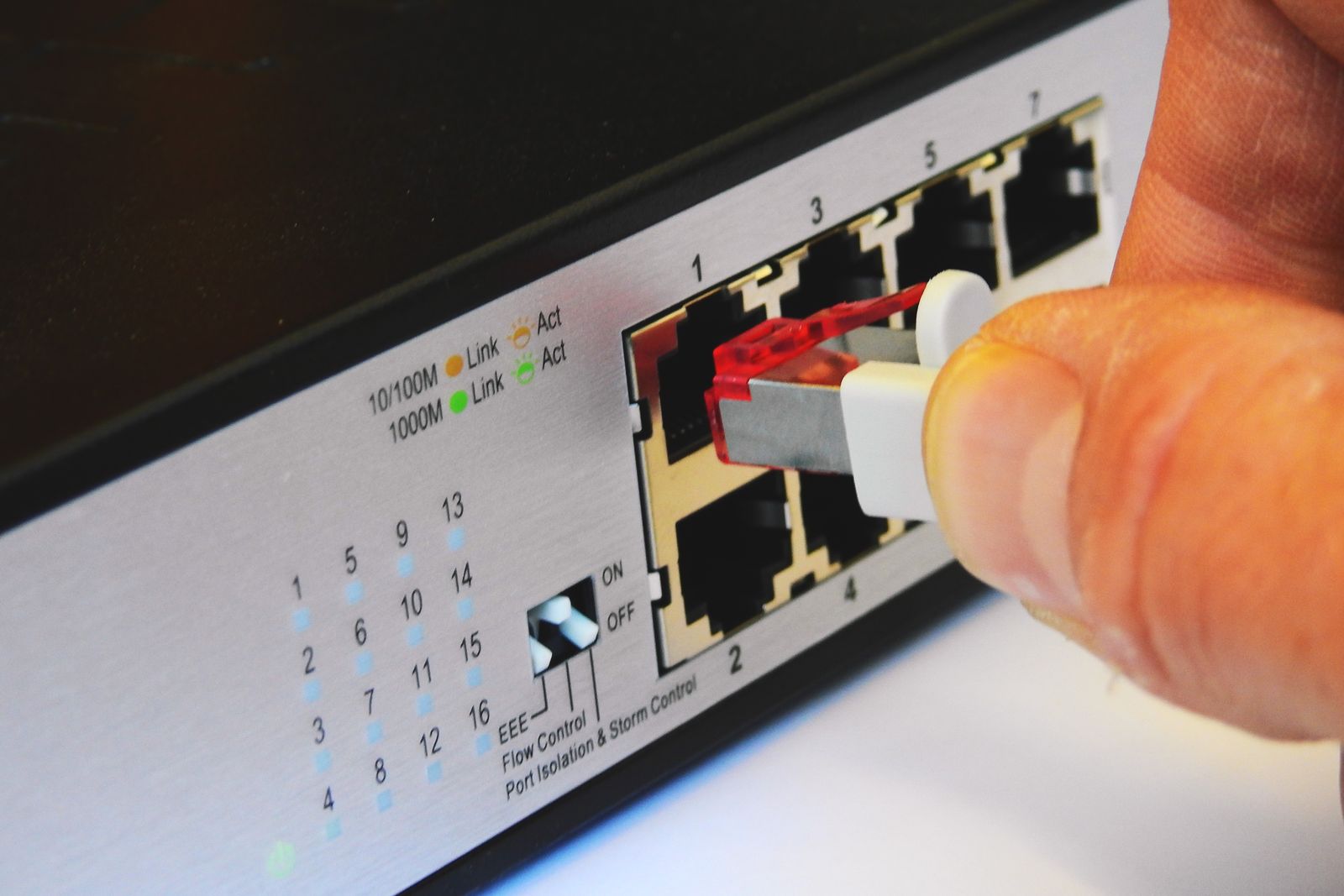 Managed IT
Fewer interruptions, faster fixes and planned upgrades: the practical ways a managed service model gives time back to your team.
Read Article Cloud
Cloud
Assess, prioritise and move workloads to Microsoft 365 and Azure without disrupting the way your people work.
Read Article Managed IT
The 3-2-1 rule, recovery testing and realistic recovery objectives explained in plain language.
Read Article Industry Insights
Ten habits that keep a growing business secure, supported and ready to scale - from onboarding to device refresh cycles.
Read Article Managed IT
Reactive break-fix support costs more than it seems. Here is how proactive monitoring changes the picture.
Read Article Industry Insights
When to repair, when to replace and how to budget for laptops, servers and network gear without surprises.
Read Article Cloud
Cloud
Conditional access, MFA and sharing policies: a short checklist for tightening your Microsoft 365 tenant.
Read Article Cybersecurity
Slow Wi-Fi, unsupported firewalls and tangled switching are more than an annoyance - they are a security and productivity risk.
Read ArticleNo articles match your search.
Try another keyword or browse all articles.
Our engineers are happy to talk through security, cloud or support challenges — no obligation.
Attackers increasingly target people and identities rather than servers. For small and mid-sized businesses, a handful of practical controls make the biggest difference.
Most incidents now begin with a stolen password or a convincing sign-in prompt. Multi-factor authentication and conditional access are the single most effective step for most organisations.
AI tools make phishing emails harder to spot. Short, regular awareness training and an easy way to report suspicious messages help your team respond calmly.
Firewalls, VPN appliances and remote-access tools are frequent entry points. Keep them supported, patched and monitored.
Ransomware groups look for backups first. Keep at least one copy offline or immutable, and test restores regularly.
Your vendors’ security affects yours. Review who has access to your systems and remove accounts that are no longer needed.
General guidance only – speak with a qualified adviser about your specific environment.
Every minute an employee waits for a password reset, a slow laptop or a broken printer is a minute not spent on their real work. Managed IT is designed to remove that friction.
Proactive monitoring and patching fix many issues before staff notice them, so the help desk spends more time on improvements and less on emergencies.
A single, documented support process means requests reach the right engineer quickly, with full context about your systems.
Hardware and software lifecycles are tracked, so replacements are budgeted and scheduled rather than forced by failures.
General guidance only – speak with a qualified adviser about your specific environment.
A successful cloud migration starts long before the first file moves. Planning reduces cost surprises and keeps your team productive throughout.
Inventory applications, data, dependencies and licences. Some workloads move easily; others need redesign or are better left where they are.
Start with low-risk, high-value workloads such as email and file shares, then move line-of-business applications in planned phases.
Single sign-on, MFA and device compliance policies should be in place before users rely on cloud services.
Short guides and drop-in sessions help people adopt new tools quickly and reduce help desk load after go-live.
General guidance only – speak with a qualified adviser about your specific environment.
Backups only matter when you need to restore. Good backup practice is really recovery practice.
Keep three copies of important data, on two different types of storage, with one copy offsite or in the cloud. Many businesses now add an immutable copy as well.
Decide how much data you can afford to lose (RPO) and how quickly systems must be back (RTO). These targets shape the backup design and budget.
Schedule restore tests for files, servers and cloud data such as Microsoft 365. Document the steps so recovery does not depend on one person.
General guidance only – speak with a qualified adviser about your specific environment.
Growing businesses often add people faster than they add process. These habits keep technology from becoming a bottleneck.
A checklist for accounts, devices and access saves hours and closes security gaps when people leave.
Know which devices you own, who uses them, warranty dates and software licences.
Network diagrams, admin contacts and key configurations should live in one secure, shared place.
A simple three-year technology plan avoids surprise expenses and supports better decisions.
General guidance only – speak with a qualified adviser about your specific environment.
Break-fix support feels cheaper until something breaks. Proactive IT changes the economics of downtime.
Monitoring flags failing disks, full storage and missed updates before they become outages.
A fixed monthly fee aligns your provider’s incentives with yours: fewer problems benefit both sides.
Regular patching, monitoring and reviews reduce the opportunities attackers rely on.
General guidance only – speak with a qualified adviser about your specific environment.
Laptops, desktops and network devices all have a useful life. Planning for it keeps people productive and budgets steady.
Most business laptops are best replaced every three to four years; network equipment often every five to seven, or when vendor support ends.
Fewer models mean simpler support, faster setup and easier spares.
Wipe or destroy storage, remove devices from management tools and update your asset list.
General guidance only – speak with a qualified adviser about your specific environment.
Microsoft 365 includes powerful security features, but many tenants still run on default settings.
Use security defaults or conditional access policies so every user signs in with a second factor.
Limit anonymous links in SharePoint and OneDrive and set sensible expiry dates.
Use separate admin accounts, limit global administrators and review sign-in logs regularly.
Make sure audit logging is enabled so you can investigate if something goes wrong.
General guidance only – speak with a qualified adviser about your specific environment.
Your network is the foundation everything else runs on. These signs suggest it is time for a review.
Coverage designed for fewer devices struggles with today’s laptops, phones and video calls.
Firewalls and switches past end of support no longer receive security updates.
When guests, staff, phones and servers share one network, a single compromised device can reach everything.
If nobody can tell you what is connected or how busy links are, problems take longer to fix.
General guidance only – speak with a qualified adviser about your specific environment.
↑↓to navigateEnterto openEscto close/to search anywhere